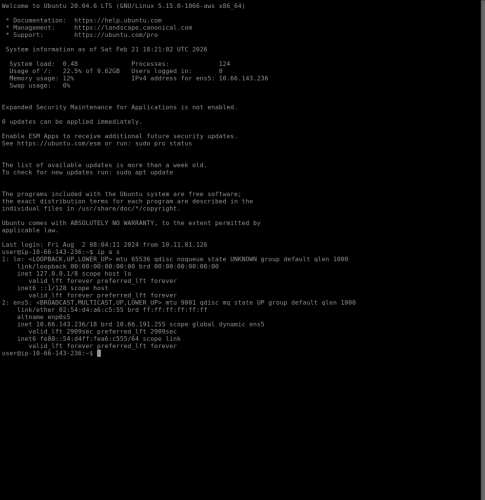
1. Using the Ubuntu terminal, the command “ip a s” is used to gather relevant network information such as interface names, IP addresses, and the state of network interfaces.
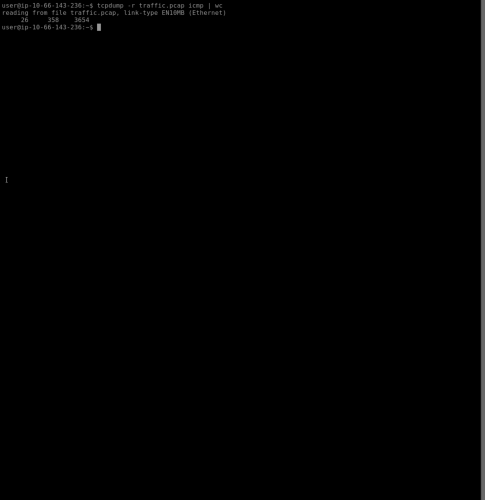
2. This example uses the command “tcpdump -r traffic.pcap icmp | wc” which reads the network traffic from the traffic.pcap file, filters only ICMP packets, and wc outputs 3 numbers. This is a simple way to determine the amount of ICMP packets, words and characters(bytes) contained within the capture file.
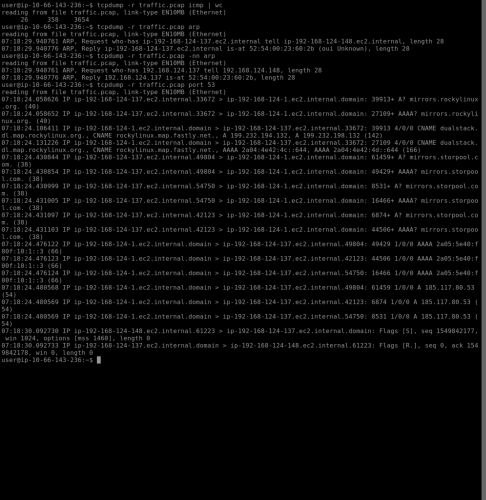
3. This example uses the ARP command to resolve IP address to MAC addresses. Additionally this example filters traffic on port 53 (DNS traffic) to spot connectivity issues, identify malware, and check for unauthorized DNS servers.
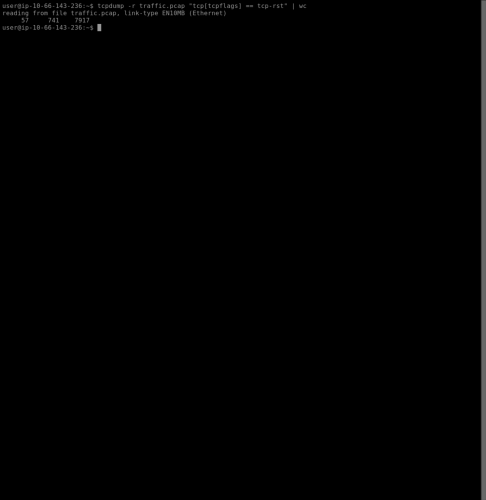
4. This example uses the command “tcpdump -r traffic.pcap “tcp[tcpflags] == tcp-rst” | wc” to filter network traffic for TCP reset (RST) packets.
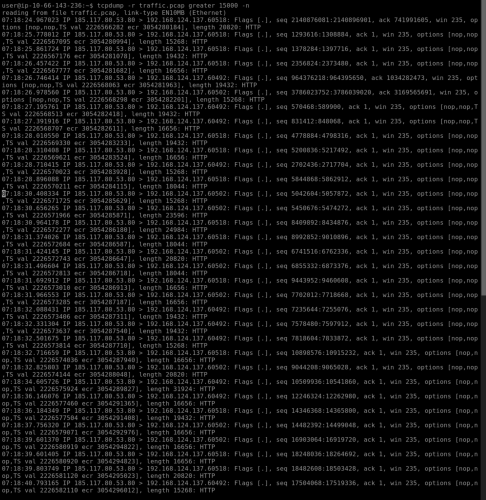
5. This example uses “tcpdump -r traffic.pcap greater 15000 -n” to filter for packets greater than 15,000 bytes and shows the corresponding IP addresses.
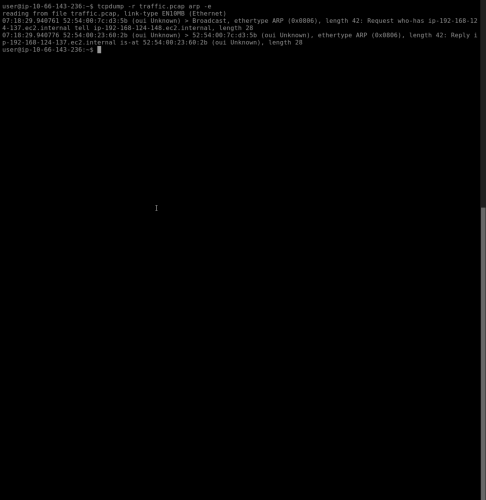
6. The final example uses “tcpdump -r traffic.pcap arp -e” which filters packets for ARP and the -e provides information on the source MAC address, the destination MAC address, and VLAN tags.