
1. Right-click the taskbar to access taskbar settings.
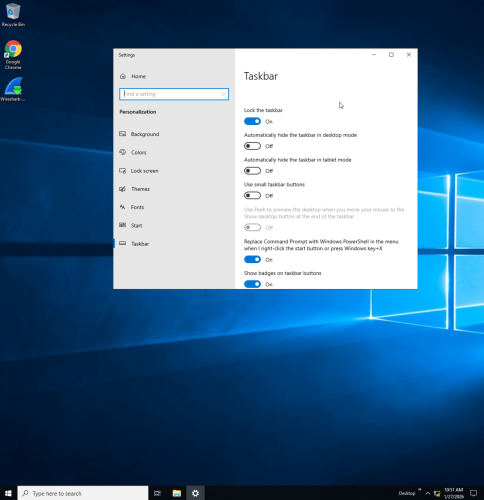
2. Configure various taskbar settings.
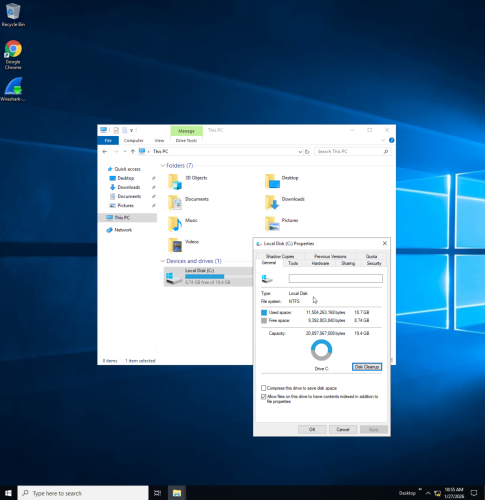
3. Right-click the C drive and view properties to check file system. This C drive is using the NTFS (New Technology File System).
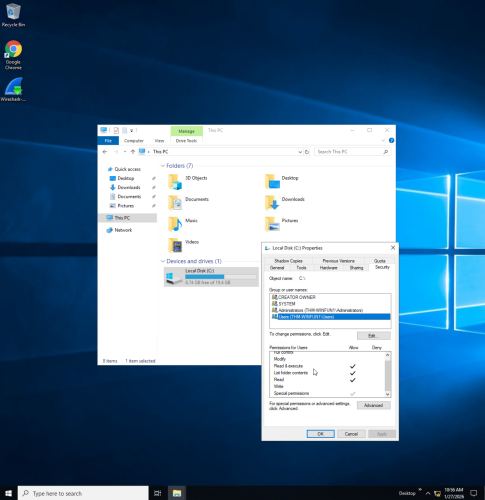
4. View security tab under properties to view user permissions.
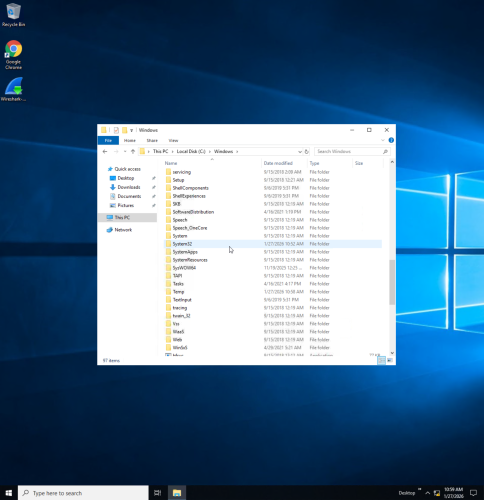
5. Click Windows folder on C drive to view files.
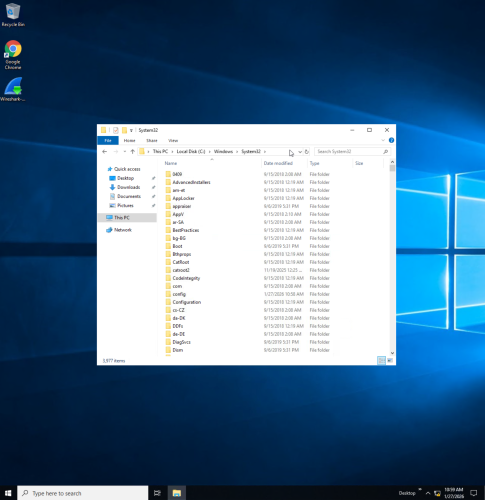
6. Open System32 folder to check for important system files.
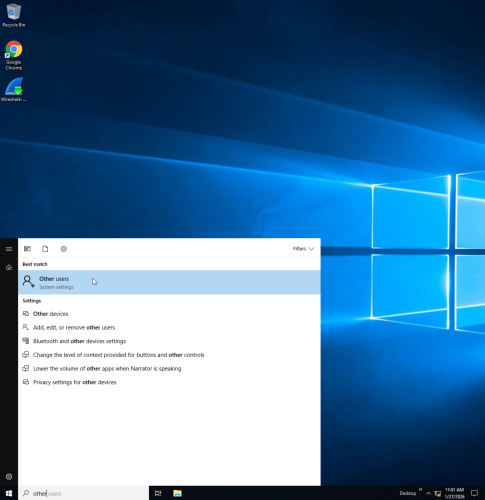
7. Search “other users” to view user accounts.
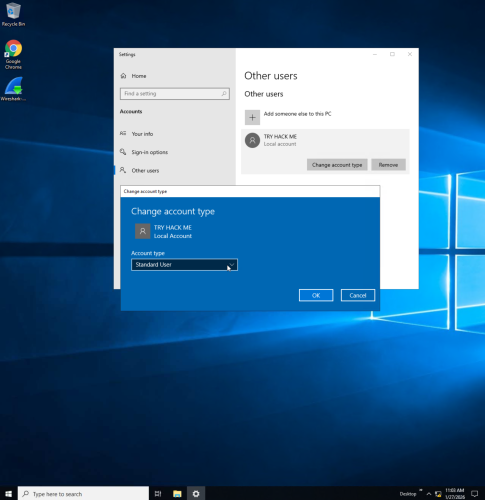
8. Select change account type to select between standard and admin user.
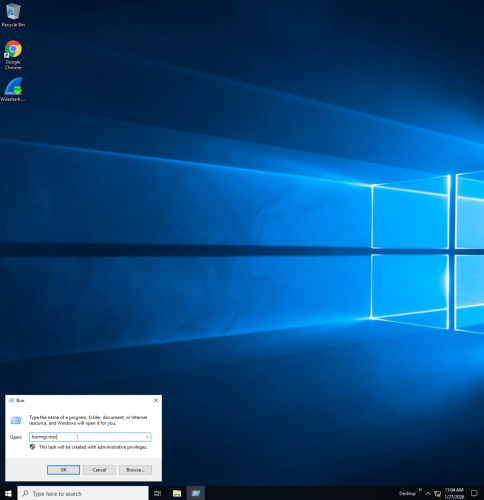
9. Run lusrmgr.msc to view users and groups.
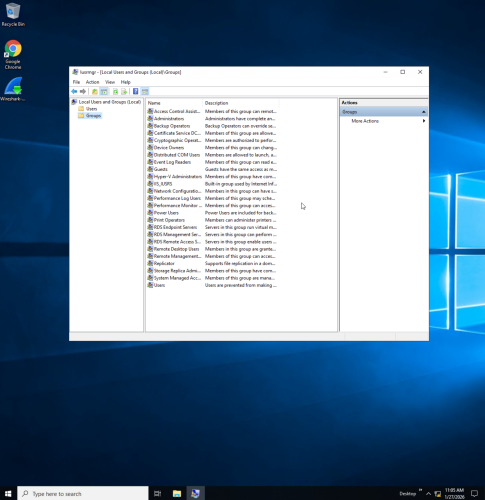
10. View groups on system and descriptions of each.
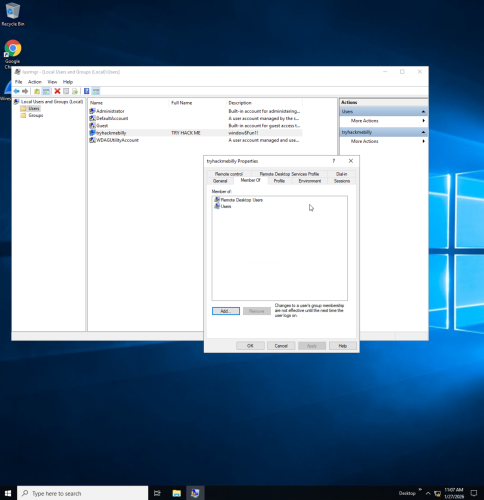
11. View users and right click on user to view properties.
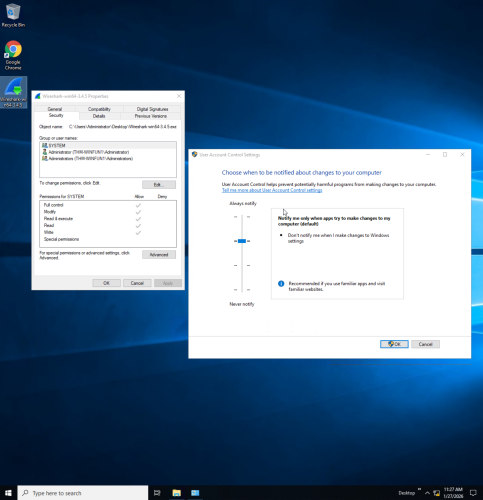
12. Open UAC (user access control) to adjust permissions for notifications (standard vs admin user).
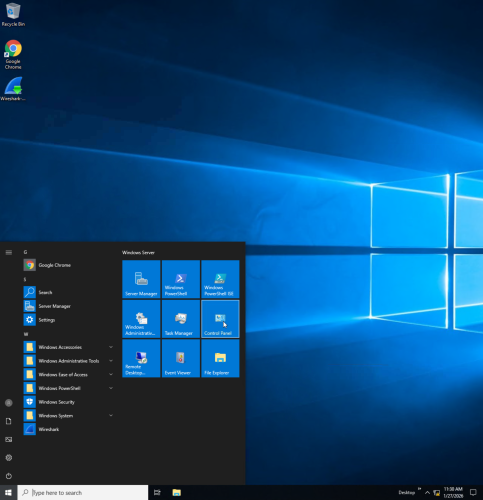
13. Click windows icon and select control panel.
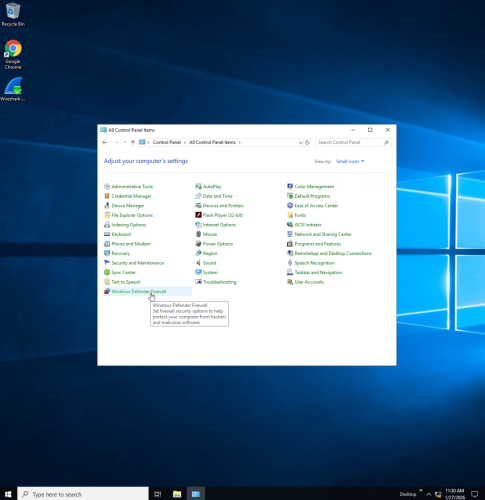
14. Select view as small icons to view all control panel items.
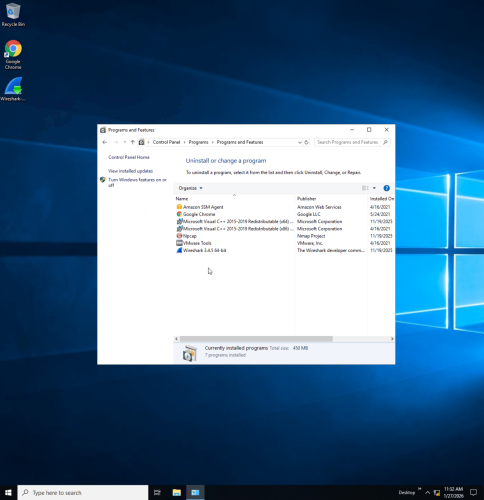
15. From control panel select programs to uninstall or change programs.
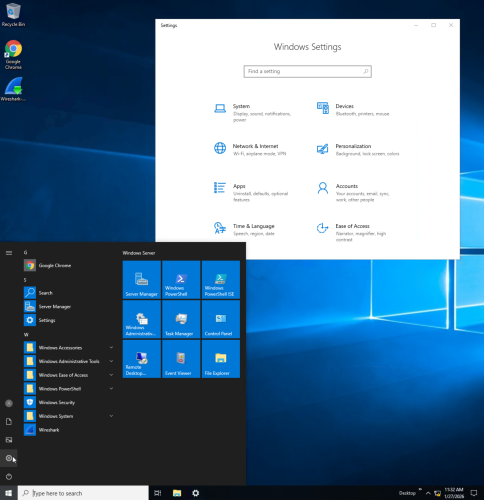
16. Click windows icon and select the gear icon to open Windows settings.

17. Select network and internet under settings to troubleshoot internet connection.
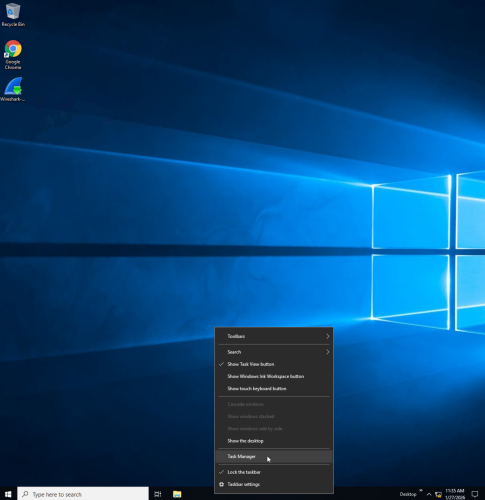
18. Right click taskbar to open task manager.
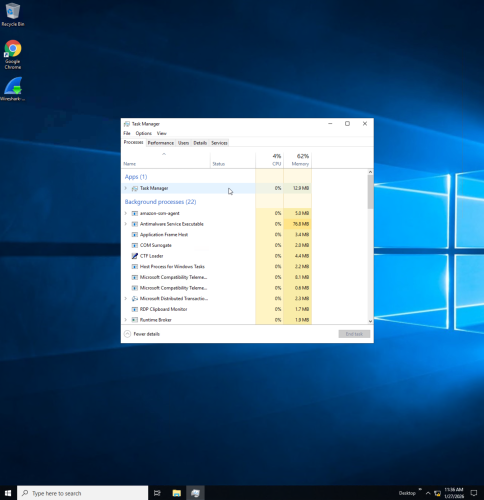
19. View processes and access other task manager features.