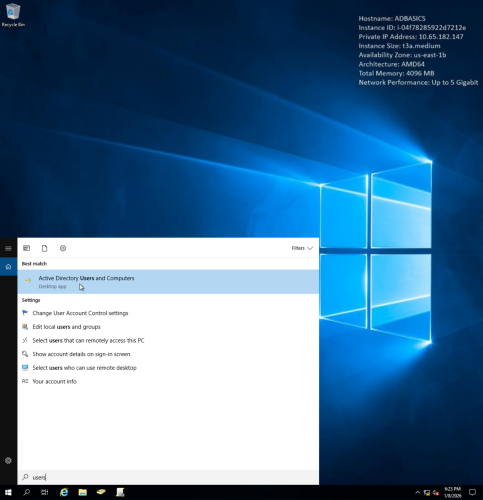
1. Using TryHackMe virtual machine to run Active Directory.
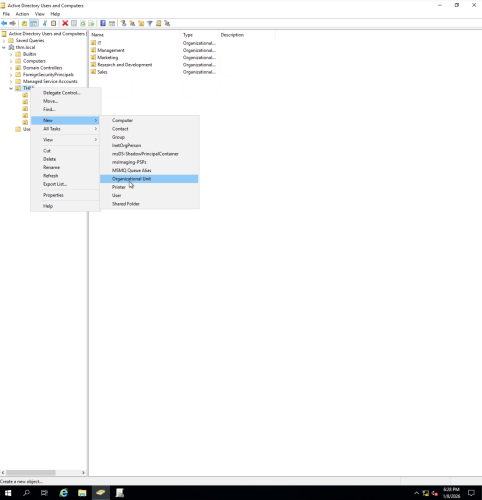
2. Creating a new OU (Organizational Unit).
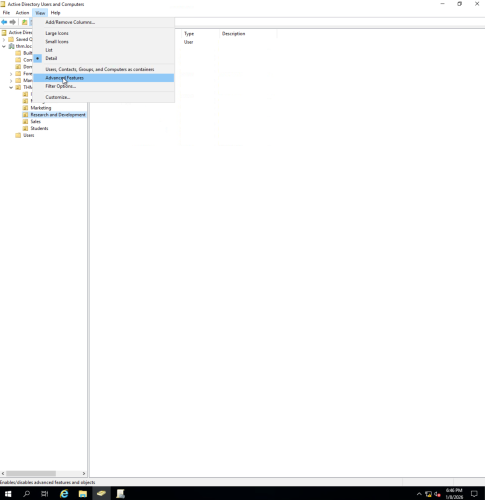
3. Accessing advanced features on OU.
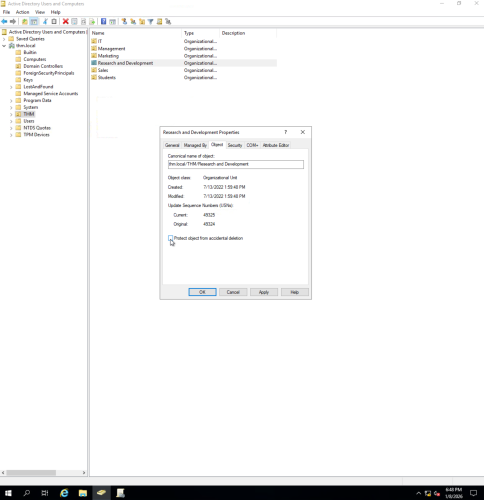
4. Unchecking “Protect object from accidental deletion” so undesired OU can be removed.
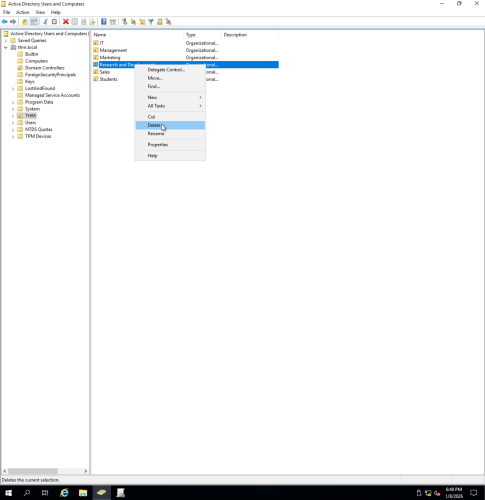
5. Deleting undesired OU.
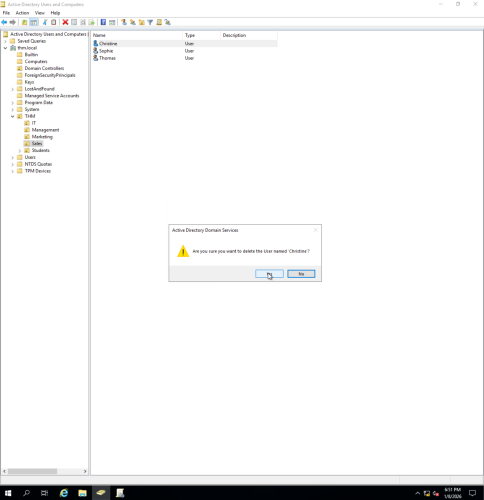
6. Removing undesired users from OU (disabling the account is also an option in case it is needed in the future).
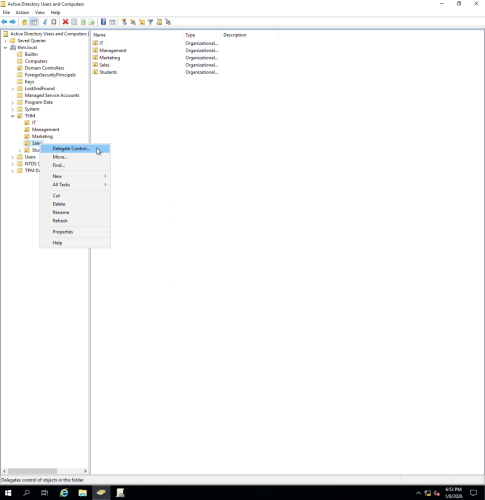
7. Delegating control of the OU to the IT department.
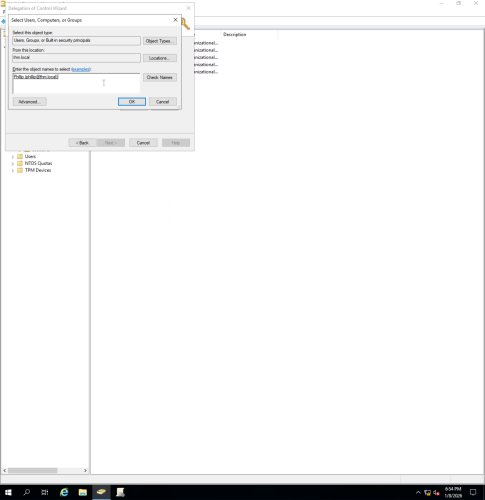
8. Using Delegation of Control Wizard to delegate tasks to Phillip (IT department).
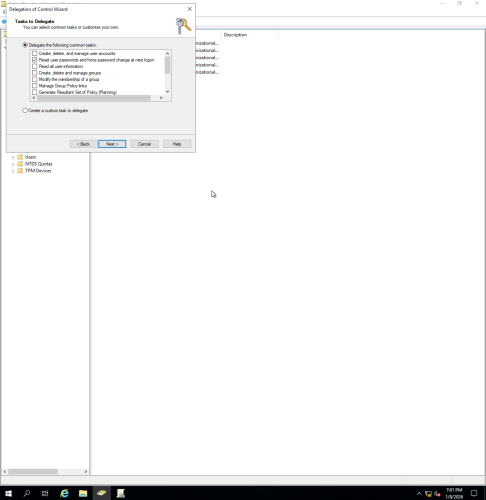
9. Allow Phillip to reset user passwords and force password change at next logon.
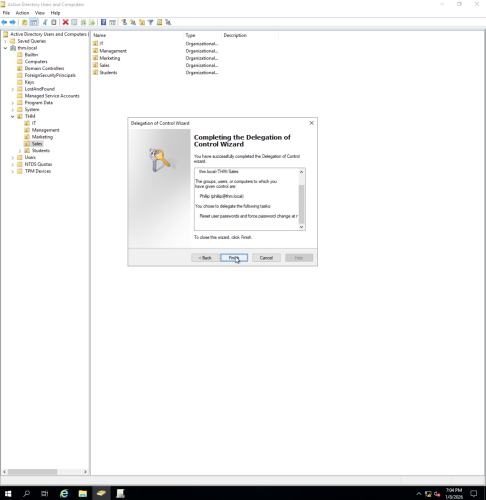
10. Confirming delegation of control to Phillip.
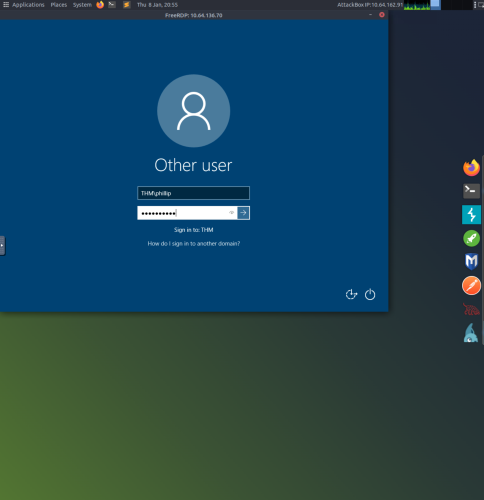
11. Using Linux client to RDP into Phillip’s account.
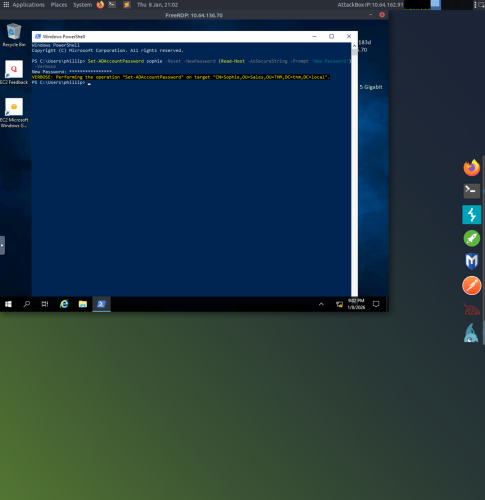
12. Using PowerShell as Phillip to set a new password for user Sophie.
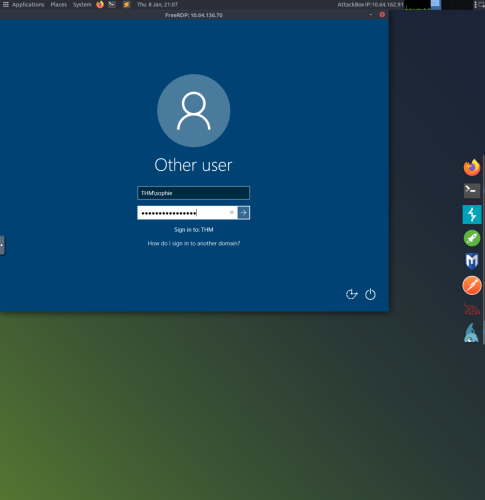
13. Testing new password by using RDP to login to Sophie’s account.
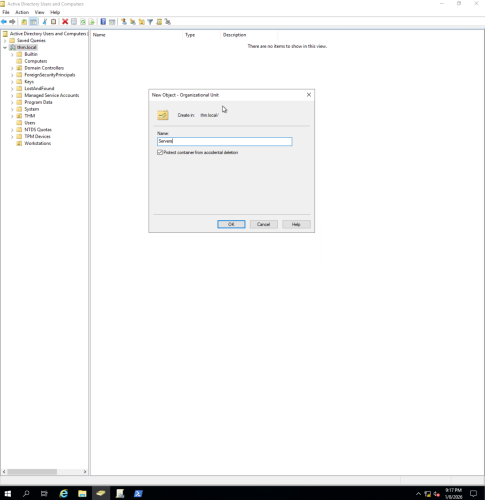
14. Creating new OUs for user PCs and servers so different policies can be applied to each.
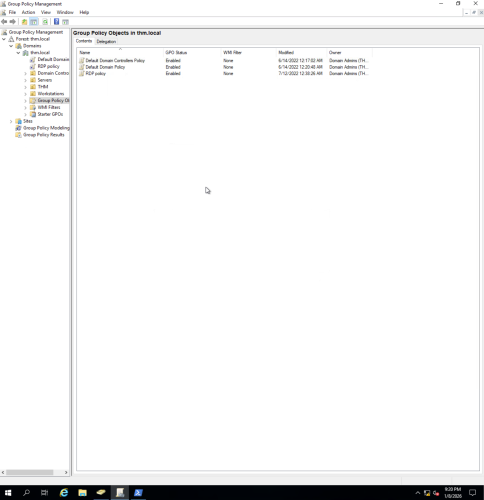
15. Using Group Policy Management to create GPOs (Group Policy Objects).
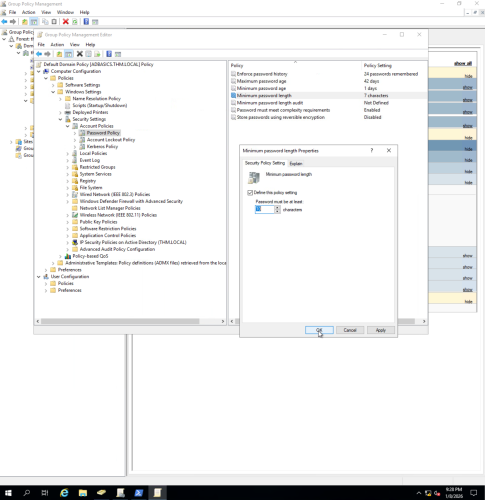
16. Creating GPO that sets minimum password length of 10 characters.
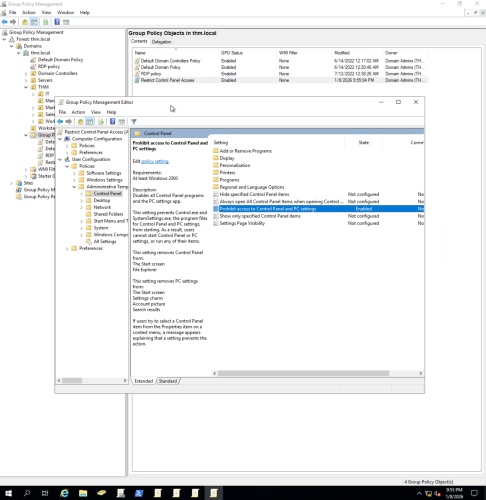
17. Creating GPO to prohibit access to Control Panel and PC settings.
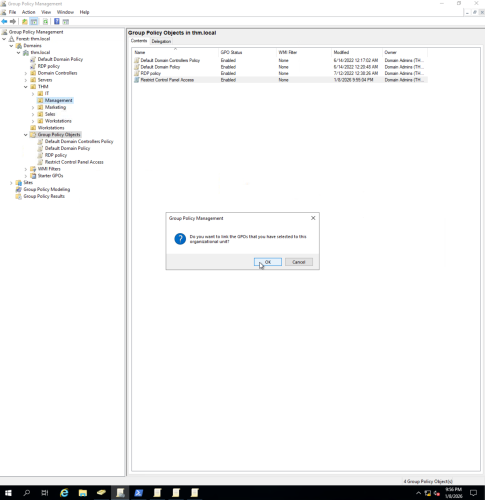
18. Linking Control Panel Access GPO to various OUs.
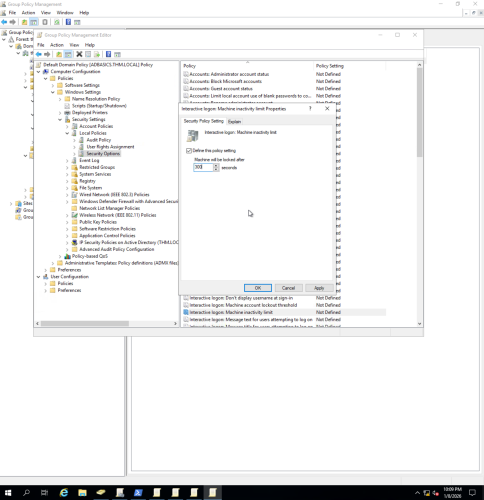
19. Creating GPO for Auto Screen Lock (300 second machine inactivity require’s user logon).
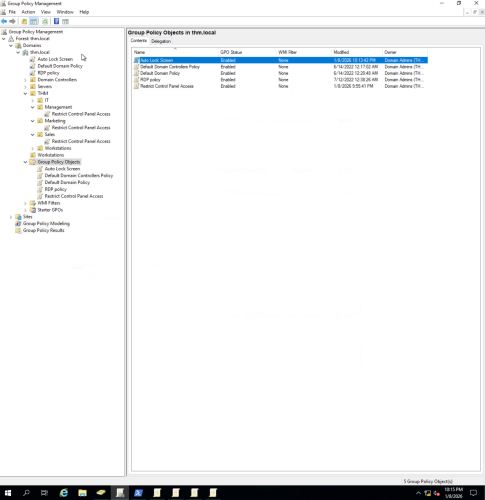
20. Control Panel Access GPO linked to OUs, and Auto Screen Lock applied to all users.