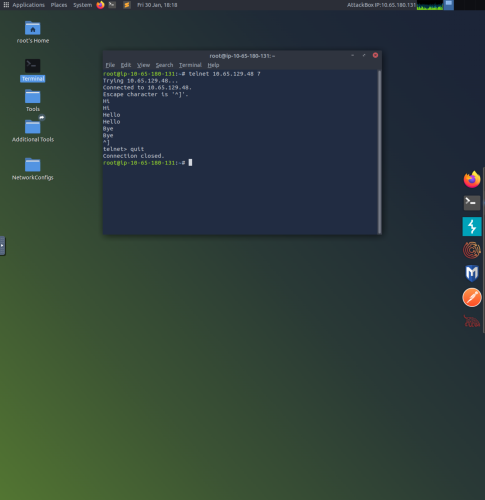
1. Launch Terminal on Linux system and use the command “telnet 10.65.129.48 7”. This connects to the target VM (IP address) and the command 7 uses the echo server service, which will echo back whatever is typed into Terminal.
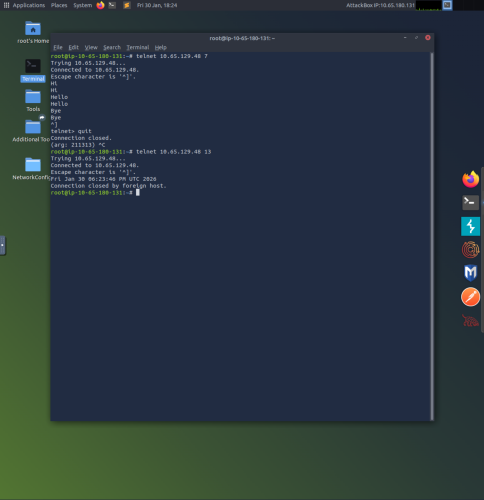
2. Use the command “telnet 10.65.129.48 13” to access the daytime server, which replies back with the current date and time of the VM.
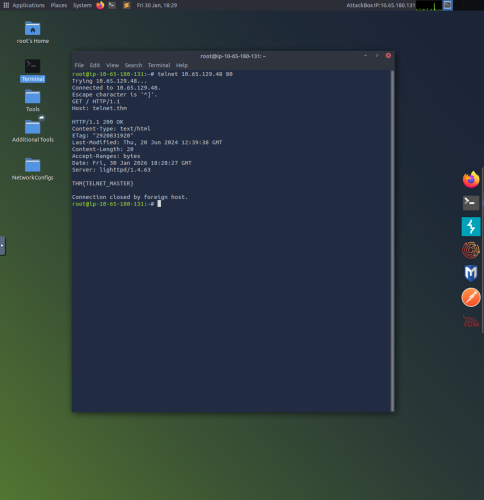
3. The “telnet 10.65.129.48 80” command connects to a web(http) server. Type “GET / HTTP/1.1”, press enter, type “Host: telnet.thm”, and then press enter twice to see useful information about the web server.